

Users of the Hulu service may encounter a problem where error code P-EDU103 appears on the screen and the video doesn’t play. This guide will help you troubleshoot and fix this error.
 Mitch Bartlett
Roku Fix “Could not add Prime Video” Error
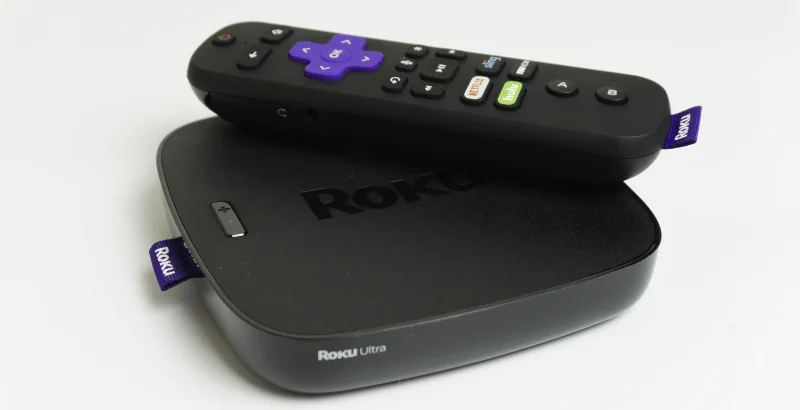
Users of the Roku may get an error when trying to add the Amazon Prime Video app to their device that says, “Could not add Prime Video“. This problem normally appears because the Roku has detected you are trying to add the Prime Video channel from a country where the channel is not supported.
These steps will typically fix the problem.
Why is Netflix Slow or Choppy?
If Netflix is slow or choppy, there are many variables that could be causing the problem. Here are a few troubleshooting steps you can use to see what’s causing Netflix to display video poorly.
Netflix: How Fast of an Internet Connection Do You Need?
So, you want to enjoy content on Netflix? For the best experience, you’ll need to ensure that your Internet connection is fast enough to support streaming high-quality video without a hiccup. So how fast does your Internet connection need to be? Well, it depends on how you intend to use the service.
Netflix Fireplace Movies for the Holidays
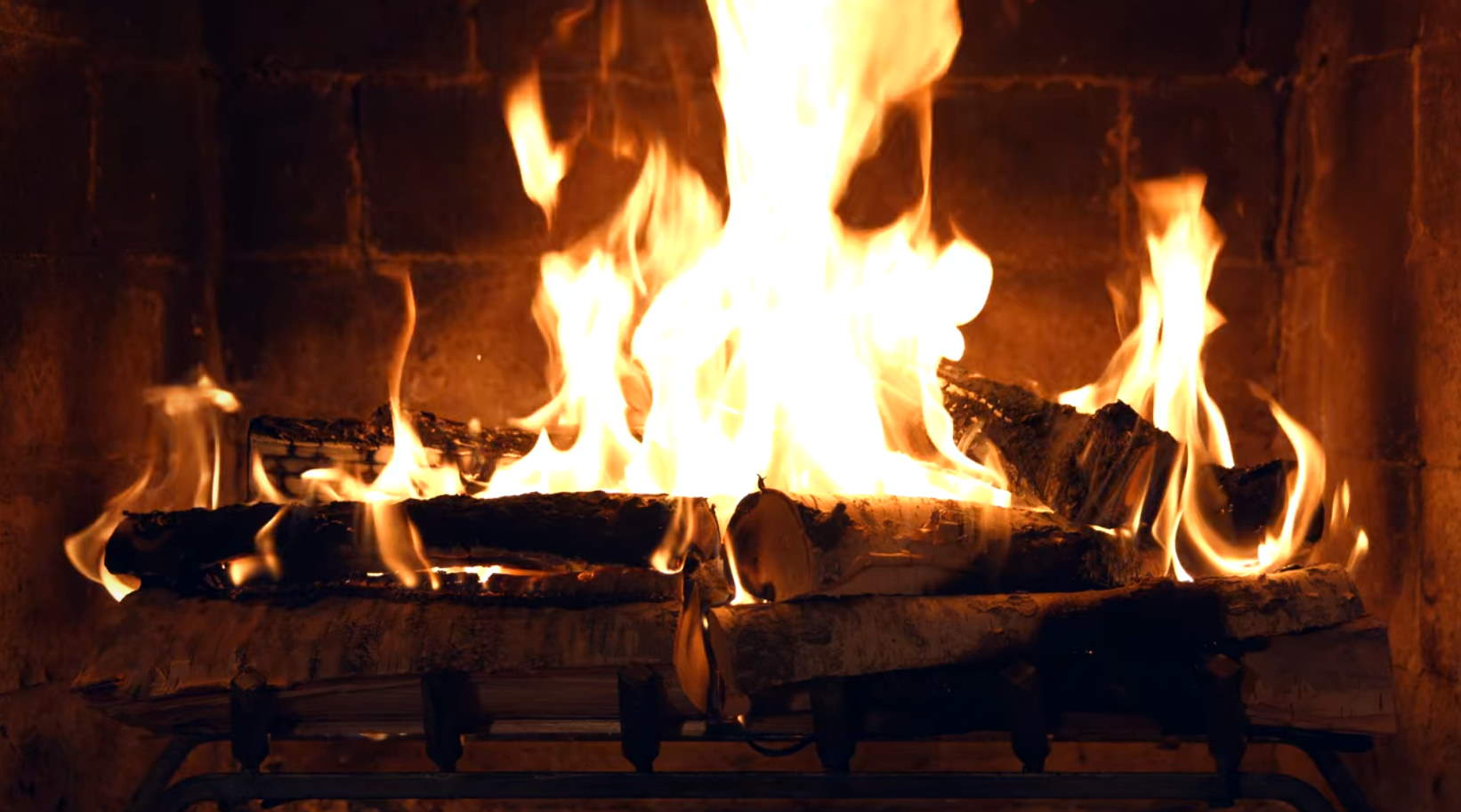
It’s the time of year when family and loved ones gather around the fireplace for the holidays. What? You don’t have a fireplace? Well, how about the next best thing? Netflix is offering “Fireplace for Your Home” on their streaming services once again this year.
Disney Plus for Roku: How to Change Language

Some of the settings are in strange places on the Disney Plus channel and are difficult to find. I couldn’t for the life of me figure out how to change the language. After poking around, I eventually found the settings.
HBO Max Always Has Subtitles – Fix
Users of the HBO Max app on Apple TV have been encountering a problem where the app always display subtitles (captioning) even after they are disabled in the settings.
In this post, we cover how to fix this problem and make it where subtitles work as intended.
Toshiba/Insignia Fire TV: How to Set Sleep Timer

A sleep timer is a wonderful feature if you like watching TV until you fall asleep. The TV will automatically shut off after a period of time. Toshiba and Insignia branded Fire TV sets have a sleep timer feature. Find out how to set the sleep timer with this guide.