Fix – Spotify Music Stops Playing

Spotify Logo

You’re cruising along on the Interstate while jamming to some tunes when suddenly you hear silence. Spotify once again stopped playing music on your Android device. It’s an especially frustrating problem when you’re driving and you can’t exactly fix the problem without pulling over.

Well pull over and read these tips. We’ll get you back on the road and listening to your Spotify music in no time with these troubleshooting steps.
Read more

How to Reboot Firestick

Restart Firestick Header

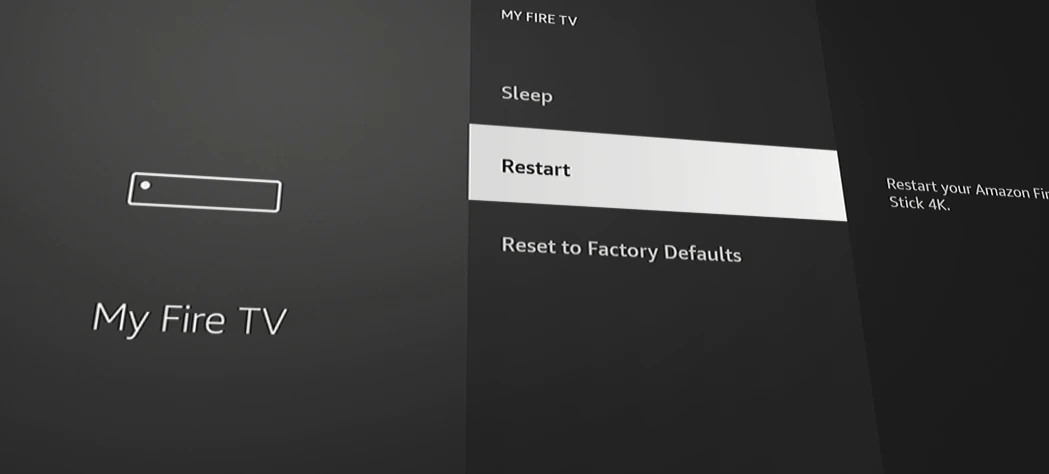
I’ve been there. You’re sitting there on your couch wanting to enjoy a little TV, and your Firestick won’t cooperate. You need to reboot it. While it’s safe to simply unplug the device, then plug it back in, you don’t want to get up.

In this post, we’ll cover how to reboot your Firestick using the remote from your sofa.

Read more

Firestick/Fire TV: How to Fix Low Volume

The inconsistencies with the volume level between apps on the Amazon Firestick/Fire TV can drive you mad. It’s even worse when you can barely hear the audio of your program, even when you turn the volume of your TV all the way up to 100.

I have experienced problems with low volume on the Fire TV many times. In this post, I will share some solutions I have implemented to solve the problem.

Read more

Hulu Stuck in Wrong Time Zone – Fix

Hulu Logo Header

Many users of Hulu may experience a problem where the app is stuck in the wrong time zone. This problem causes the Hulu Live program guide to display the wrong program listings.

There are several reasons why Hulu is stuck with the wrong time or time zone. In this post we’ll cover the common causes to this problem as well as fixes to the problem.

Read more

Firestick Stuck at “Downloading Latest Software”

Firestick Header

There is a common problem for Amazon Firestick owners where the device gets stuck on a screen that says “Downloading Latest Software” and doesn’t go forward from that screen. I’ve experienced this problem several times. In this post, we’ll cover what you can do to fix this problem if it happens to you so that you can get to enjoying all your Firestick has to offer.

Read more