
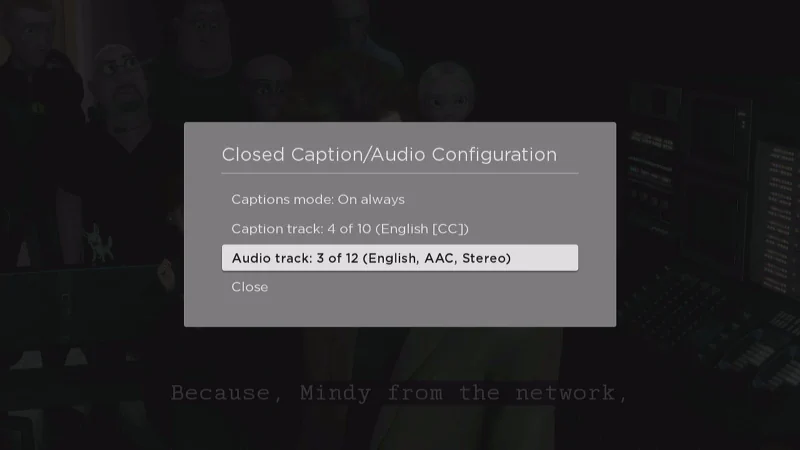
Looking to change the language to a different setting on the Roku. We’ll cover how to change the language of the menus of the Roku as well as the language of audio and subtitles when streaming video in this guide.
How To
Detailed step-by-step instructions on how to accomplish tasks.
Fire TV: How to Factory Reset Without Remote
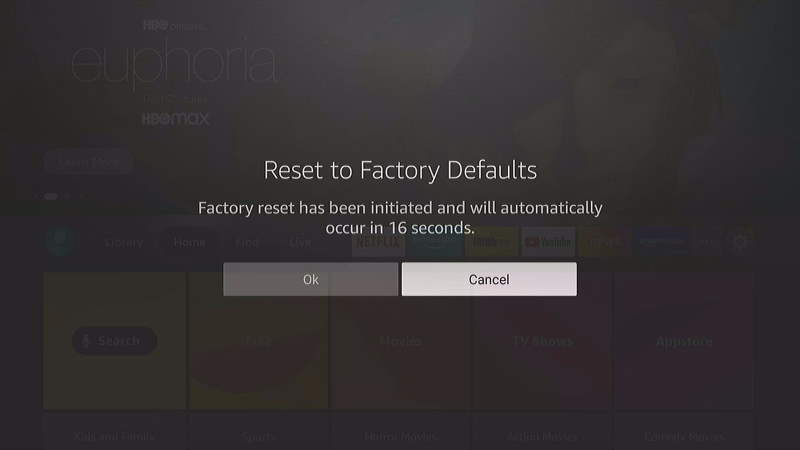
So, you have an Amazon Fire TV, but you don’t have the remote control to it. Maybe you want to factory reset the thing and use it now. Maybe you want to sell it without the remote. But how do you factory reset the Fire TV without the remote? There are actually a couple of solutions to this problem.
Fire TV: Connect to Wi-Fi Without Remote
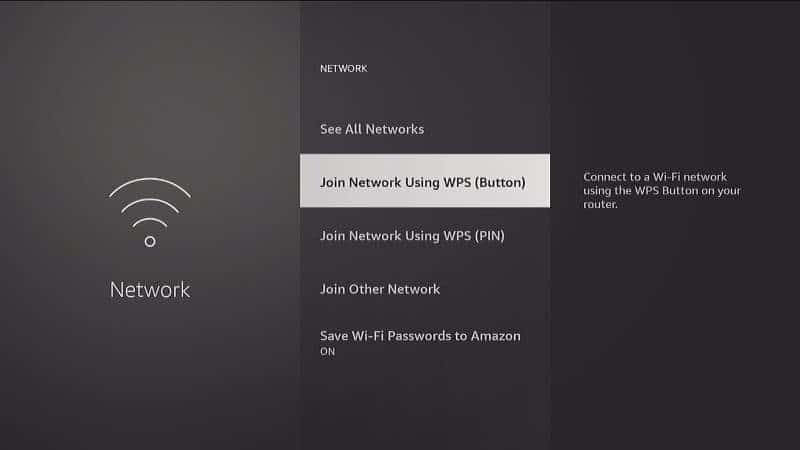
If you do not have a remote control for your Amazon Fire TV, but still want to get it connected to Wi-Fi, there is a way. This guide will help you connect your Fire TV to the Wi-Fi network without needing the physical remote.
How to Setup Google Public DNS on Fire TV & Firestick
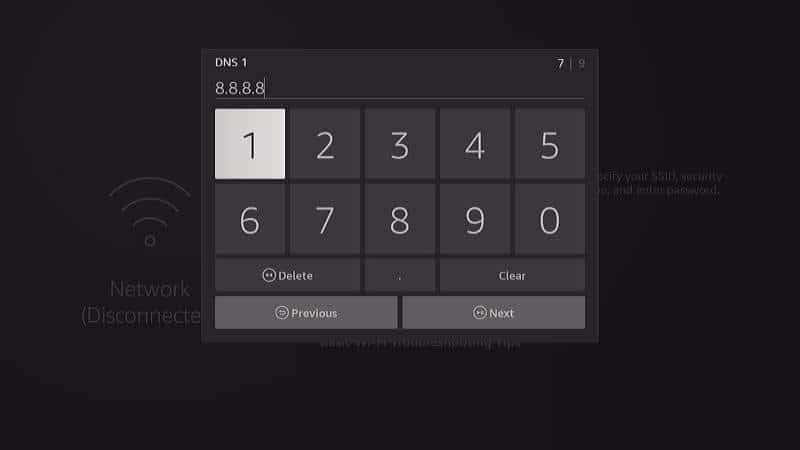
The Amazon Fire TV is an impressive piece of hardware. It works fast to deliver content to your living room. But is it working as fast as it could? It is likely that your Internet service provider doesn’t have the fastest DNS servers. Users often report many of their problems with slow or choppy performance is instantly solved once they started using Google Public DNS.
Improve your performance by configuring your Fire TV with Google Public DNS using this guide.
How to Cast or Mirror Android Screen to Roku
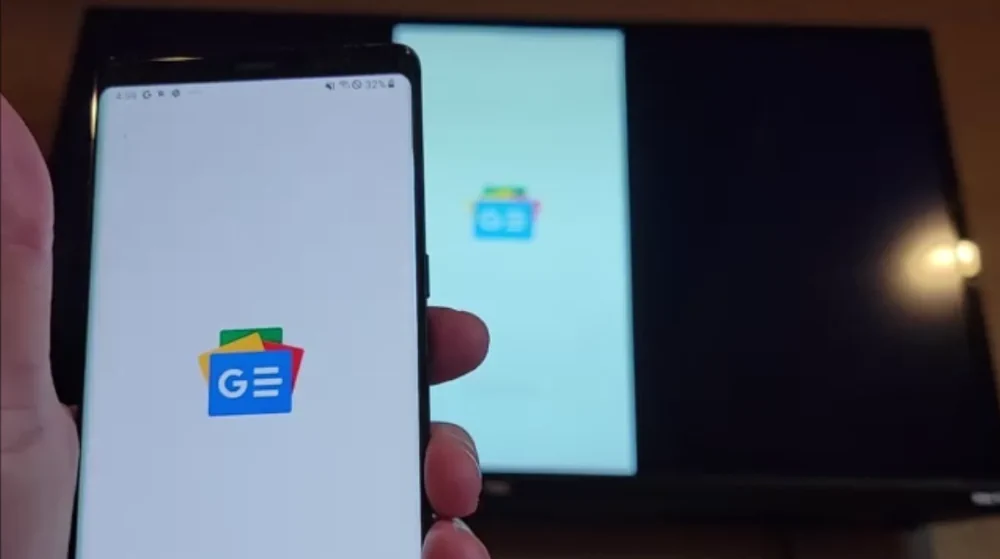
If you ever want to cast the screen of your Android device to your Roku TV, Ultra, Premier, 4, 3, Streaming Stick, or TCL Roku TV, just setup screen mirroring using these steps.
Fix Netflix ‘An error occurred loading this content’ on Apple TV
Apple TV users may sometimes see an error displayed that says ‘An error occurred loading this content‘ when trying to use Netflix. This is a common error. It’s usually caused by problems with your local network or Internet connection. Try these steps to solve the issue.
Pairing and Unpairing an Apple TV Remote
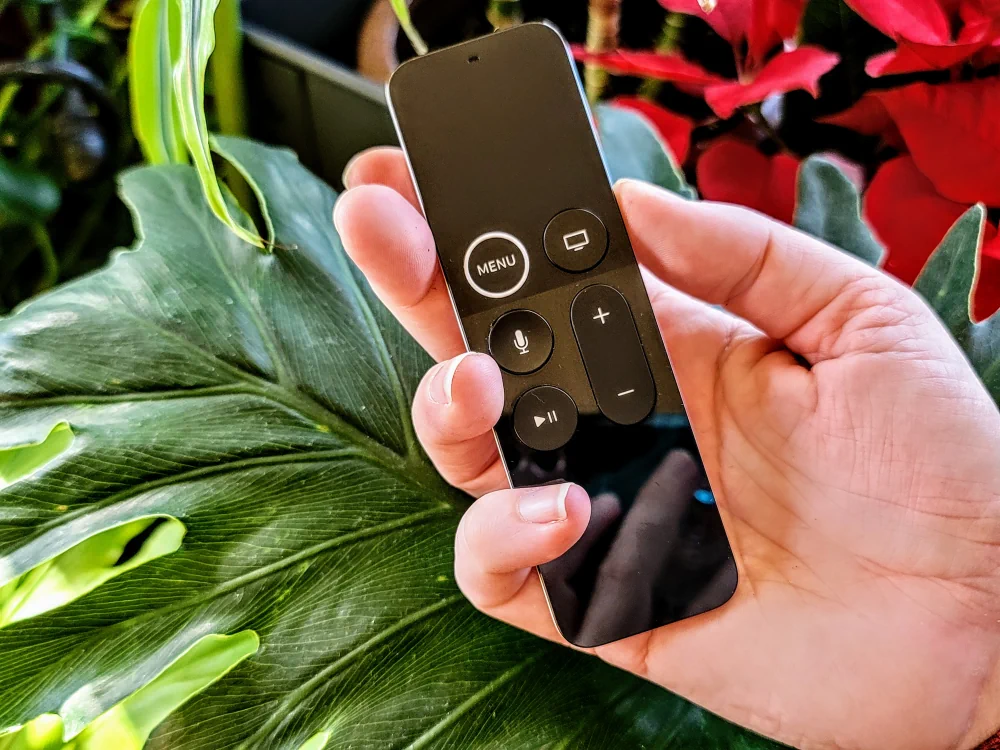
If your Apple TV remote is not working properly, you may need to unpair or pair it to the Apple TV device. Use these steps to get things working again.
Fire TV / Firestick: How to Start in Safe Mode
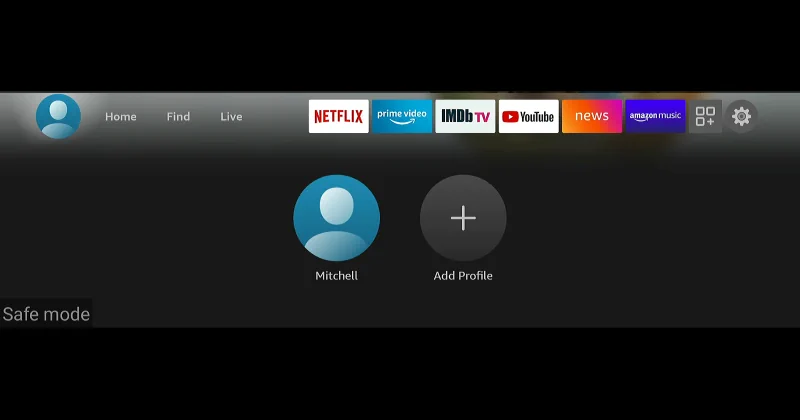
If you are having trouble where you Amazon Fire TV or Firestick won’t start, you may want to try to start in Safe Mode. Starting your Fire TV in Safe Mode will load a basic set of software that will possibly allow you to access the settings again and fix whatever is causing problems with the device starting up.