

The Amazon Fire TV will automatically obtain an IP Address and DNS server from the router it’s connected to if DHCP is enabled on the router. Sometimes a static network is used instead. If you wish to manually assign a static IP Address and DNS server address to your Fire TV, just follow these steps.
How To
Detailed step-by-step instructions on how to accomplish tasks.
Roku: Turn Off Narration in Disney Plus

Roku users who watch Disney+ have been having problems with the app where they cannot turn off the audio guide narration voice. This is a problem where a voice describes everything on the screen that is happening. The feature is normally used for the vision impaired, but some users who don’t need it struggle to disable it.
Fortunately, we’ve come up with a couple of solutions that seem to work. Give these fixes a try.
How to Use Roku Without the Remote
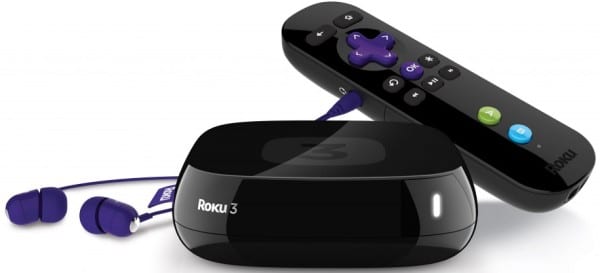
Well, you’ve lost the Roku remote again, and can’t find it anywhere. All you want to do is relax and watch a nice flick. What can you do?
Fortunately, there is another way to gain control of the Roku without needing the remote. We’ll show you some solutions in this guide.
How to Change Roku Name
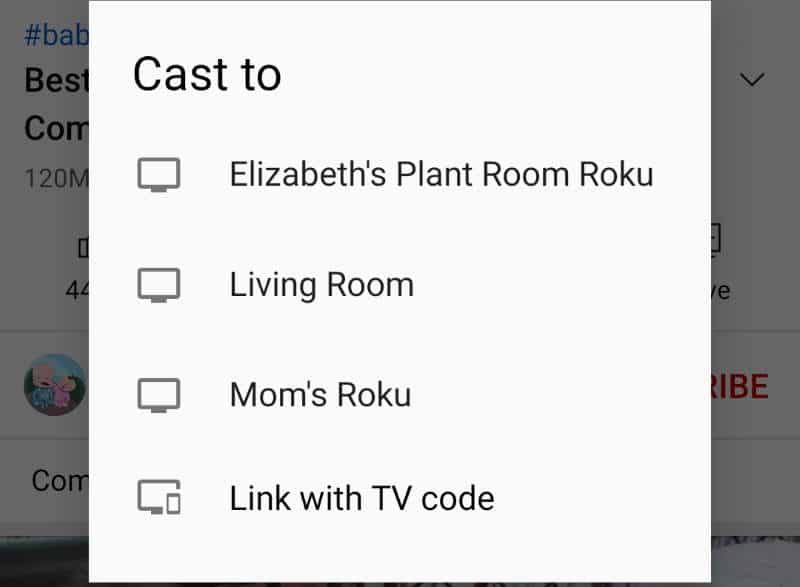
If you’re connecting to a Roku over the network, you may want to have it labeled a different name. You might go looking for the setting in your Roku menus. But you won’t find it there. There is no way to change the name of your Roku from the actual device. However, you can change the name of your Roku device from the Roku website, or the Roku mobile app. In this guide, we will show you the steps for each method.
Roku TV: How to Disable Ad Banner
Some Roku TV models have started displaying a banner along the bottom of the screen while watching live TV or video through the HDMI ports. This can be quite an annoyance for some users. Fortunately, there is a way to disable the ad banner. In this post we show you the steps for getting rid of these ads.
Roku TV: How to Set Sleep Timer
The Roku TV has a sleep timer feature that automatically shuts puts the device into sleep mode after a certain amount of time has passed. It’s a great feature if you regularly fall asleep with the TV on. It will save energy since your TV won’t be on all night with nobody watching it.
Whenever you want your Roku TV to shut off automatically, you can set the sleep timer on Roku TV using these steps.
TCL Roku TV: How to Change Inputs
The TCL Roku TV interface is a bit different from other televisions you might use. Most people are used to an “Input” button on their remote for switching inputs. With the TCL Roku TV, things are a bit different.
Netflix on Roku: How to Change Language
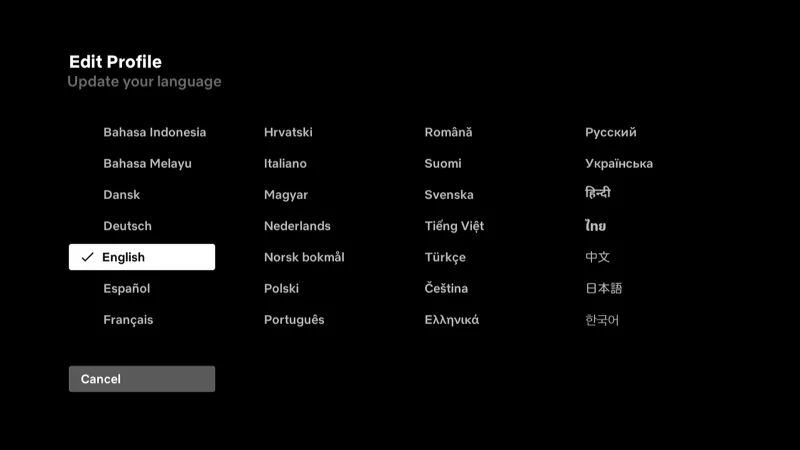
Some of the settings are difficult to find in the Netflix channel for Roku. I couldn’t figure out how to change the language. After some digging, I figured it out.