
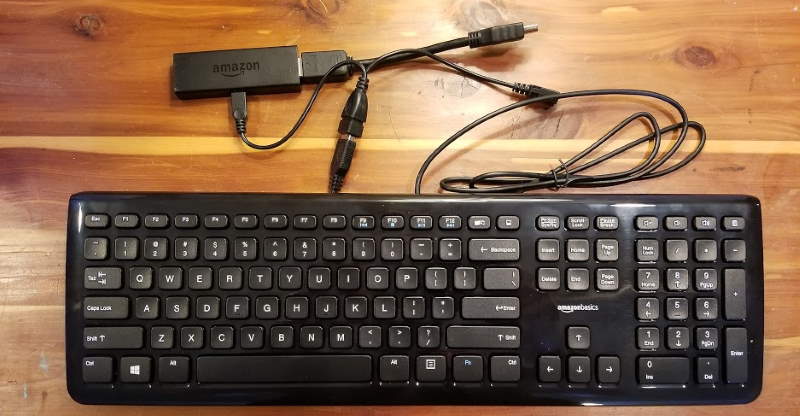
Unlike other models of the Amazon Fire TV, the Firestick and Fire TV Stick Lite does not have a USB port. You can still connect a keyboard to the Firestick with a little tech know-how though. We cover what you need in this guide.
How To
Detailed step-by-step instructions on how to accomplish tasks.
How to Cast Android Screen to Fire TV / Firestick
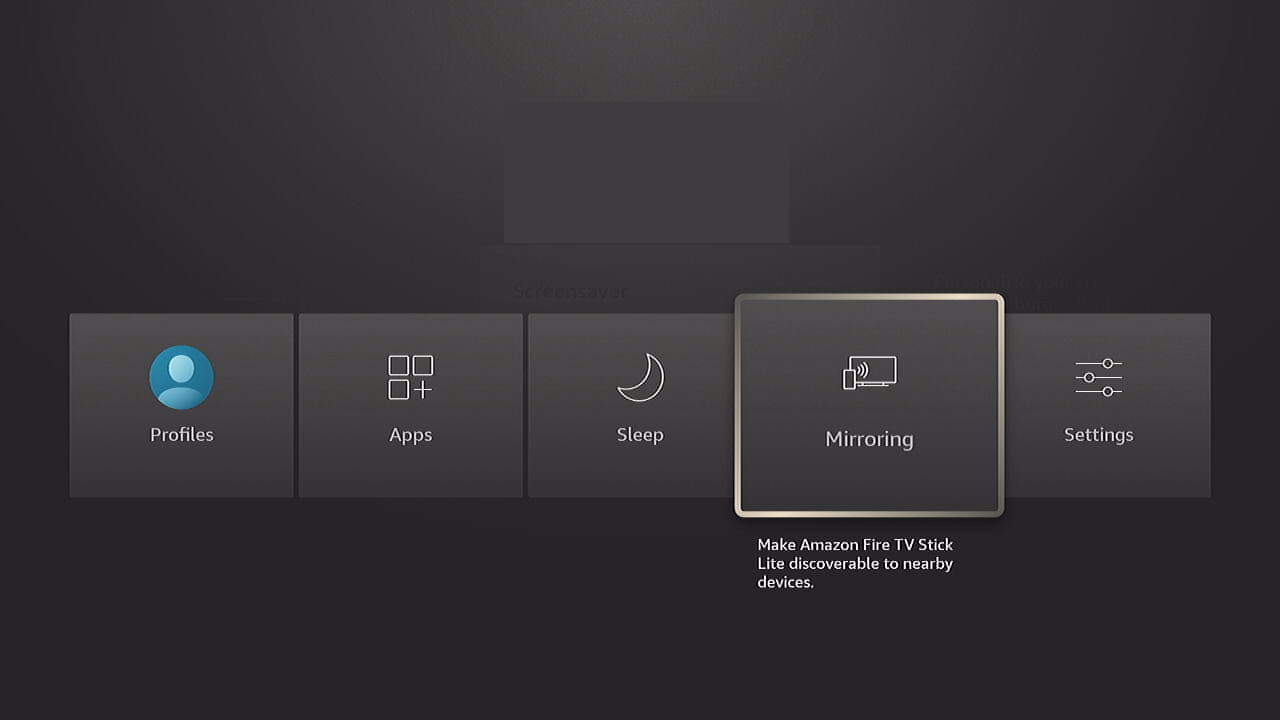
Do you need to learn how to cast the screen of your Android device to your TV? You can mirror your Android screen and cast media such as videos or photos to the Amazon Fire TV, Firestick, and Fire TV Stick Lite devices using these steps.
Roku: How to Sign Out of Prime Video Account
Much of my time has been wasted trying to figure out how to sign out of Amazon Prime Video accounts from the Roku app. So, I thought I’d write this post up to save others the trip.
How To Install Kodi on Fire TV / Firestick
You won’t find the Kodi app in the Amazon Fire TV Appstore. You’ll have to use a sideloading method to download and add it. Here are the easiest steps to install Kodi on Firestick/Fire TV Cube, box, and other models.
How To Force Close Apps on the Firestick
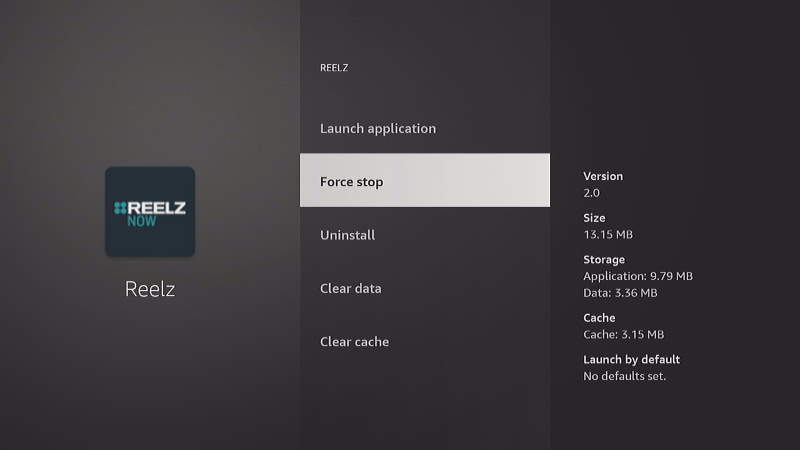
You might need to force an app closed manually on the Firestick if the app becomes frozen or is not responding. Force closing apps can also increase speed, free up available memory, and saves processing power. This can make other apps perform much better.
In this post, we’ll show you two methods you can use to easily force close apps on the Amazon Firestick.
Fire TV / Firestick: How to Download Apps
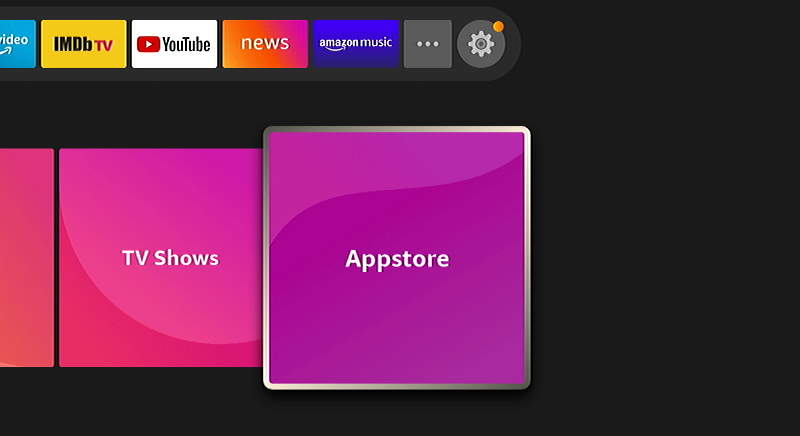
You have your new Amazon Fire TV or Firestick all set up and you’re ready to start enjoying some awesome movies. But how do you download apps to this thing? This tutorial will show you 3 methods on how to download apps to the Firestick / Fire TV.
How to Soft and Hard Reset Chromecast
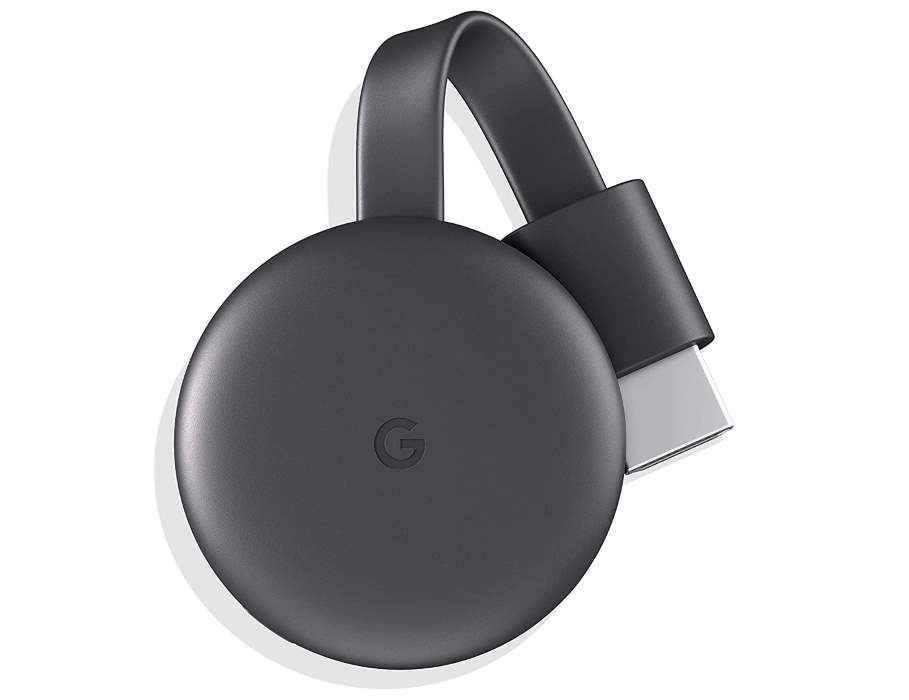
Whether your Google Chromecast is freezing or malfunctions or you are selling it to another user, you may want to perform a reset on the device.
In this post we will cover how to soft reset the Chromecast and how to factory reset the device. A soft reset will simply restart the Chromecast. This will not clear any data from the Chromecast. A factory hard reset will clear all data and settings from the Chromecast. It will place the device in the same state as it was when first purchased, making it ready for a new user.
Roku: How To Watch Videos From USB Drive
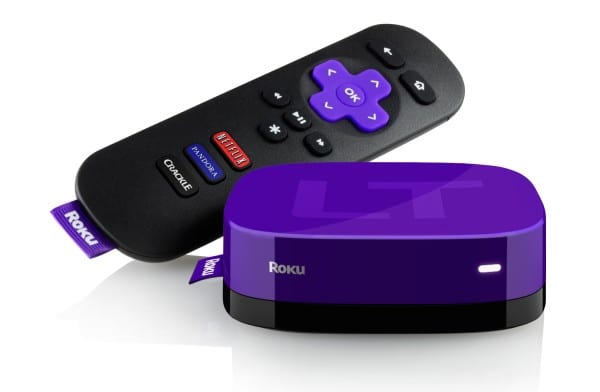
My favorite feature of the Roku is the USB port. You can watch video files stored on a USB Drive. How do you watch those files though? Here are the steps: