
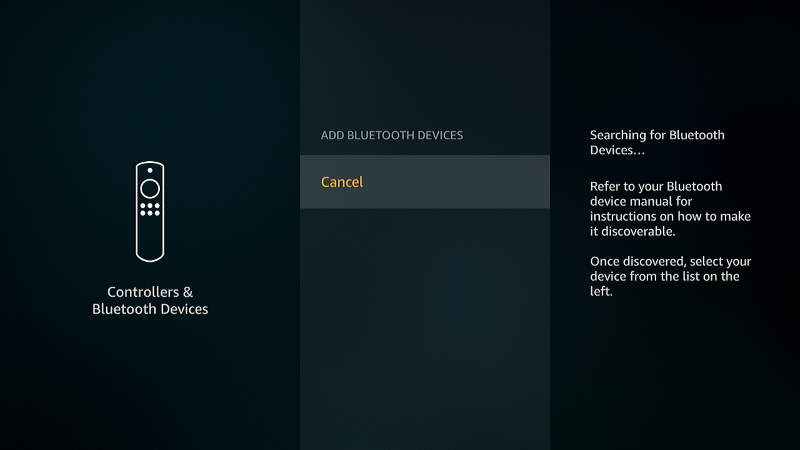
Every once in a while, my Firestick will not connect to a Bluetooth device such as a speaker or headphones. I thought I would share some common troubleshooting steps you may want to take if you are experiencing the same issue with your Bluetooth device.
 Mitch Bartlett
Netflix: Fix Missing Component Error Code M7357-1003
If you are using Google Chrome to watch a show on Netflix and receive error that says “Whoops,. something went wrong… Missing Component. Error code M7357-1003“, give these steps a try to fix the issue.
Downton Abbey Has a UK and US Version

I recently noticed that Season 2 of the PBS show Downton Abbey was recently added to Amazon Prime Video. I had been waiting to watch the series on Netflix for a while.
After deciding to sit down and start season 2, I noticed the title said “Original UK Version”. UK Version? Is there a difference between the US and UK version?
How To Limit Netflix Bandwidth Usage
Watching Netflix can quickly use up your monthly Internet bandwidth allocation. Fortunately, Netflix provides customers the ability to adjust the video quality so that you don’t exceed your limit. We cover the steps here in this tutorial.
How to Connect Roku to an Analog CRT TV
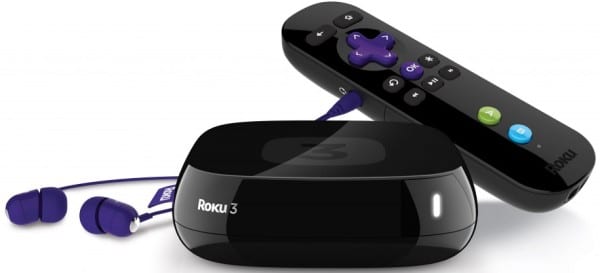
What if you have an old, non-smart TV that’s doesn’t have an HDMI port? Even without an HDMI port on your TV, you can still connect a Roku device to it. In this guide, we are going to cover two solutions you can use.
Fix: Roku Thumbnail Pictures Are Missing
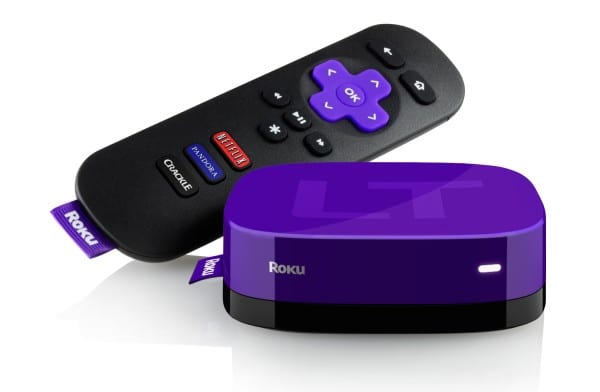
Roku device owners may find that they have a problem where the thumbnail pictures are not showing for the titles of shows and movies. You can usually fix this problem with one of the following solutions.
YouTube TV: How To Mark Shows as ‘Unwatched’
Are you wondering how to mark shows as “Unwatched” on YouTube TV? You’re not the only one!
If you’re looking for a single setting on your videos to set them as “Unwatched” after you have watched them, you won’t find one. But clearing the show from your watch history will do this.
How to Connect Roku to a Computer
I love the interface of the Roku. It’s so simple to use. I wanted to Connect my Roku box to a computer so that I could watch the content within the window on my computer. I know that may be strange to some folks, but navigating to the different video content providers is a much clunkier experience in a browser. It also helps to have it available to grab screenshots from the Roku.