

The Amazon Firestick has a wonderful screensaver feature that can display beautiful scenery and personal photos. There are two ways you can access the settings for changing the Firestick screensaver. We will cover both in this post.
Firestick
Posts tagged as related to the Amazon Firestick (Fire TV Stick).
Fire TV / Firestick: How to Change the Language
Whether you are lost at understanding the menus on your Amazon Firestick or you just want to use it in a different language, you can change it using these steps.
Apple TV+: How to Choose Specific Episode

When using the Apple TV+ channel, I couldn’t figure out how to choose a specific individual episode of a series. Every time I selected the show I wanted to watch; it would just start from the point I left off. I eventually managed to figure it out. So, if you are just as confused about how to choose a single episode as I was, this is the post for you.
Fire TV / Firestick Not Showing Recent App Icons
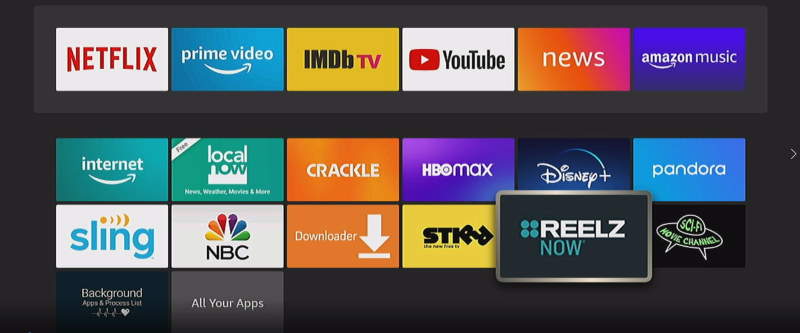
Users of the Amazon Fire TV / Firestick may find that the downloaded or recent apps list is no longer showing or updating on the Home screen. Instead, users will see a blank band across the top of the Home screen where the app icons belong.
Fortunately, we have the fix for you in this guide. Follow these steps to bring back your list of recent apps.
How to Connect Firestick to a Projector
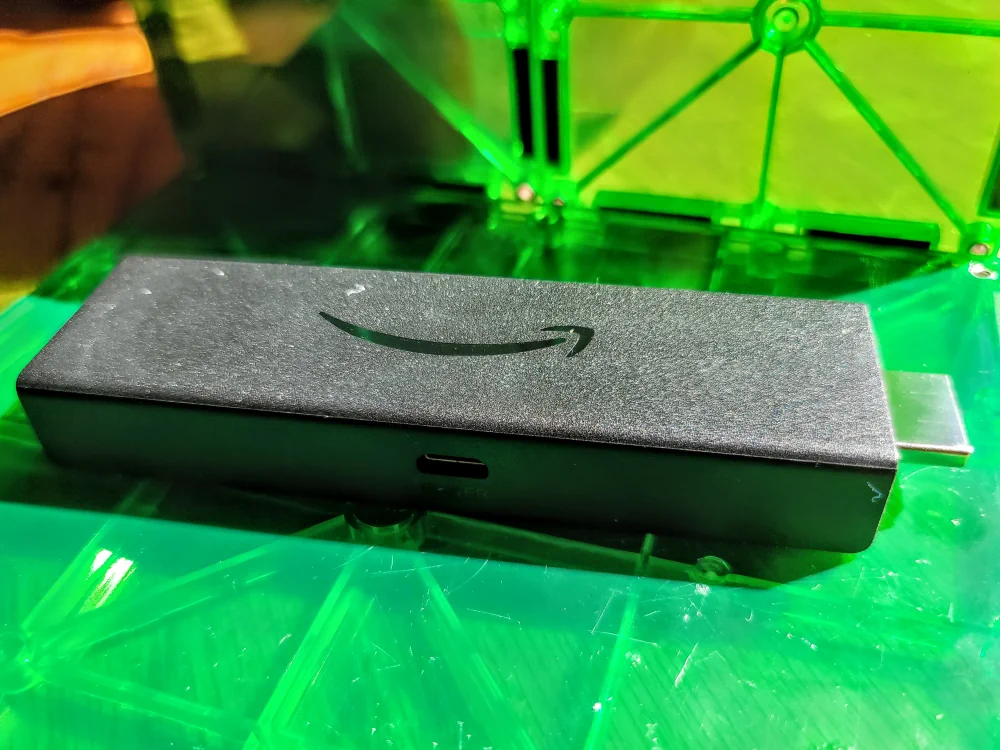
Whether you want to simply watch shows on a large screen or give a presentation, the Amazon Firestick is a superb solution for displaying content on a projector.
In this post we’ll show you how to connect the Amazon Firestick to almost any projector. We’ll also cover some considerations you’ll need to make when using this type of setup.
Fire TV / Firestick Says “Format not supported”
Users of the Amazon Fire TV or Amazon Firestick may experience a problem where a message appears that says “Format not supported“. When this message appears, you are unable to use the Fire TV / Firestick.
This message is usually related to the Fire TV / Firestick being set to a screen resolution that is not supported by the TV it is connected to. In this post we’ll cover some troubleshooting steps you can take that should fix the “Format not supported” error and get your Firestick back in working condition.
Can You Use a Firestick With Roku TV?
You invested in a Roku TV but want to use an Amazon Firestick with it. Will this work? Is the Firestick compatible with Roku TV?
You may think that the Firestick would be blocked from being used on a competing device. But you can actually use a Firestick with your Roku TV. We’ll show you how to connect an Amazon Firestick with any Roku TV with this tutorial.
Firestick: Fix “ESPN has been corrupted and cannot be installed”
Users of the ESPN app on the Amazon Firestick may find themselves getting an error that says “Install Failure – ESPN has been corrupted and cannot be installed” when they attempt to install the app. Oddly, this problem seems to happen about every few months.
What usually solves this problem is simply updating the Firestick software. Here are some steps that have helped ESPN users in the past that should help you fix this error and get back to enjoying the app on your Fire TV.