
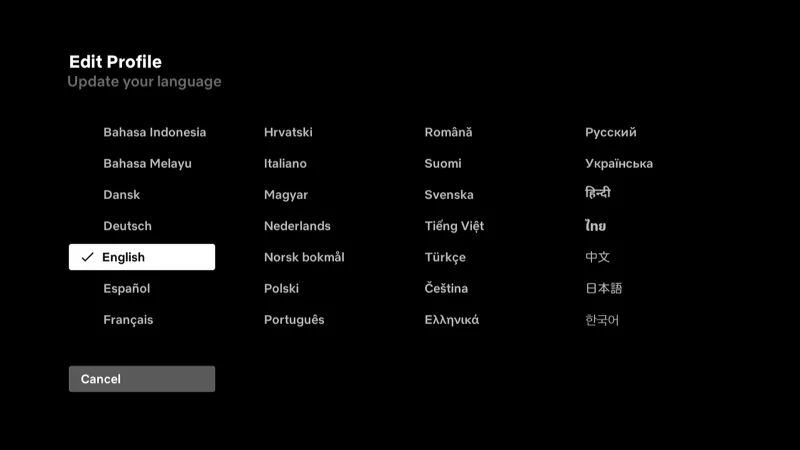
Some of the settings are difficult to find in the Netflix channel for Roku. I couldn’t figure out how to change the language. After some digging, I figured it out.
Roku
Troubleshooting guides to help you fix problems a learn how to use the Roku.
Fix Roku ‘Insufficient Power’ Message
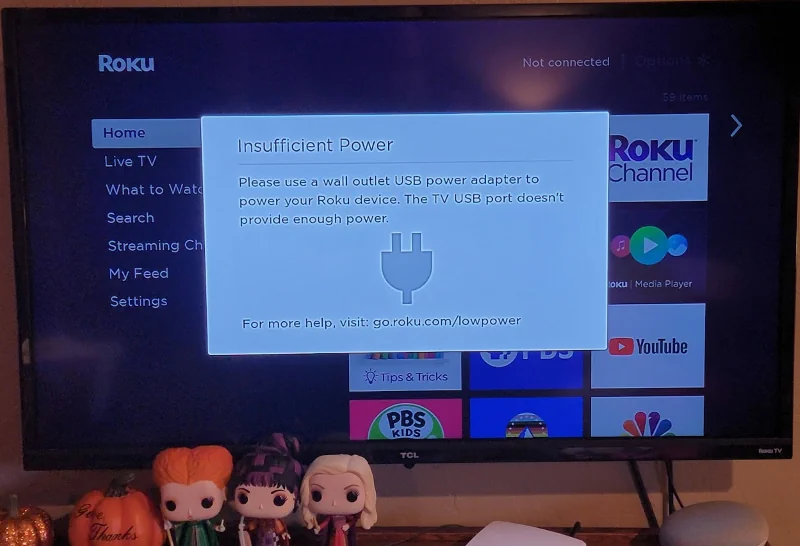
When the Roku detects that it is unable to draw a proper amount of power, an ‘Insufficient Power‘ or ‘Low Power‘ message will appear on the screen, accompanied by a lightning bolt and plug icon. Troubleshooting this problem can be tough. Use this guide to fix this issue.
Roku: How to Rate a Channel
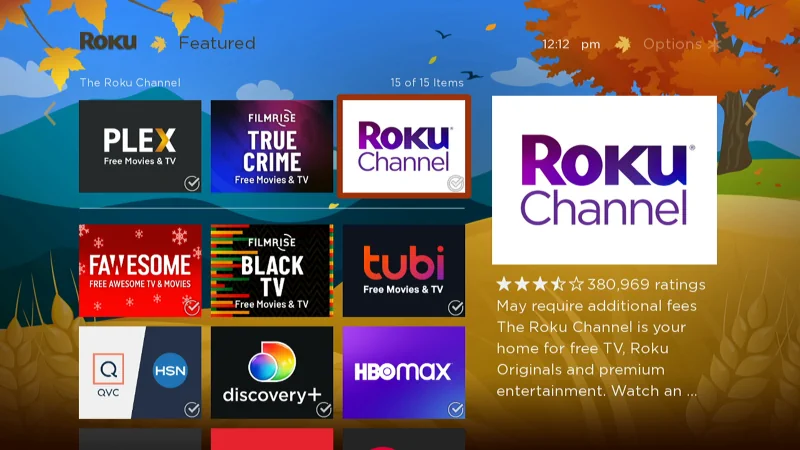
When browsing the streaming channels for the Roku, you may have noticed that there is a star rating for each channel. How do you leave your own rating for a channel though? I will cover how to rate a Roku channel in this post.
Roku Fix “Could not add Prime Video” Error
Users of the Roku may get an error when trying to add the Amazon Prime Video app to their device that says, “Could not add Prime Video“. This problem normally appears because the Roku has detected you are trying to add the Prime Video channel from a country where the channel is not supported.
These steps will typically fix the problem.
How to Cast SoundCloud to Roku
I like listening to music while I clean my house. My TV has the best speakers, so I like to listen to music using the TV. The best way for me to do this is to cast SoundCloud to the Roku and listen to music that way.
In this post, you will learn how to case SoundCloud audio from your Android, iPhone, or iPad app to the Roku device.
Disney Plus for Roku: How to Change Language

Some of the settings are in strange places on the Disney Plus channel and are difficult to find. I couldn’t for the life of me figure out how to change the language. After poking around, I eventually found the settings.
Roku Shows Wrong Time – Fix
I woke up this morning and found that the time on my Roku TV was off by an hour. There are many things that can cause this problem. In this guide, I will show you the troubleshooting steps to take when your Roku shows the wrong time.
Apple TV+: How to Choose Specific Episode

When using the Apple TV+ channel, I couldn’t figure out how to choose a specific individual episode of a series. Every time I selected the show I wanted to watch; it would just start from the point I left off. I eventually managed to figure it out. So, if you are just as confused about how to choose a single episode as I was, this is the post for you.